
Trail Map
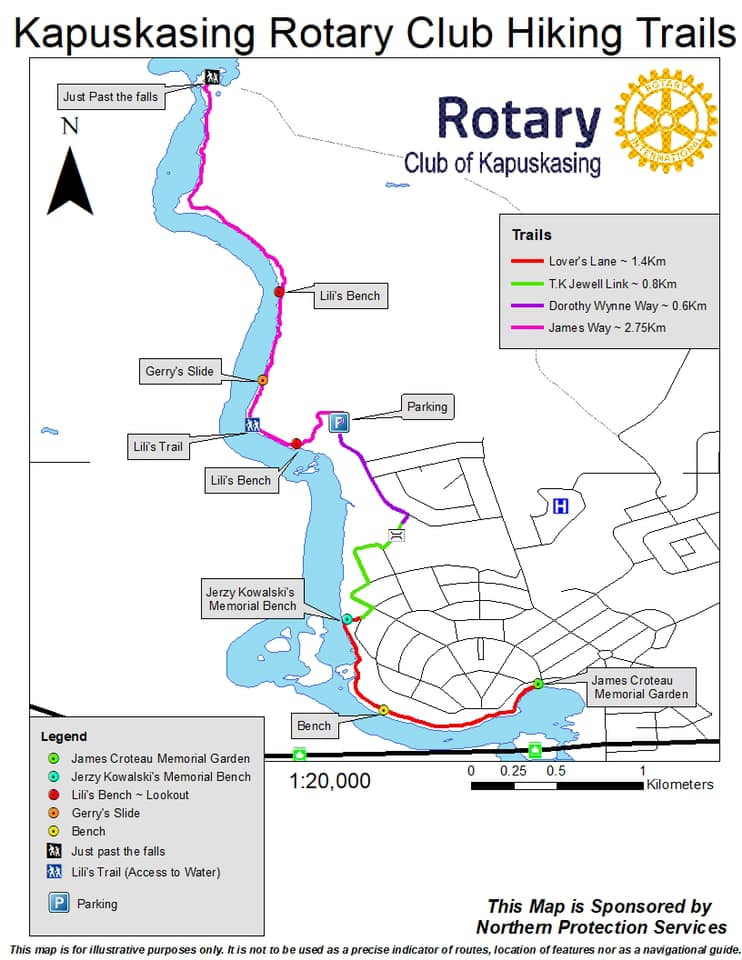 |
|
How to download a map of the Kapuskasing Rotary Club Hiking Trail Map
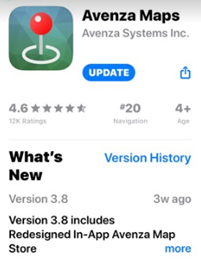
1 - Download on your Smart Phone the app Named: Avenza Maps (Free Download from Google Play or Apple APP Store)
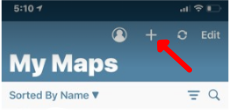
 2 - On the app Click the “+” button is on the top right.
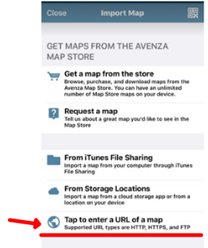
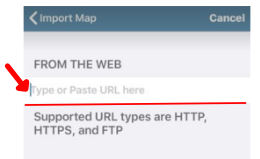
 3 - Click on the “Tap to enter a URL of a map”
 4 - Copy and Paste the following Link : https://www.northernjigs.ca/uploads/4/5/3/4/45342939/kap_rotary_map.pdf
 5 - Once you are on the trails and you open the map you will see a BLUE DOT. This DOT Indicates your Current location on the map.
_______________________________________________________________________________________
How to Update your Map with the most recent map version Available
6 - Open Avenza Maps
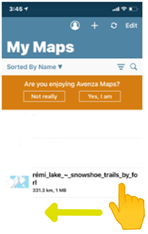
7 - With your finger Select the map and slide to the left to delete the current map
 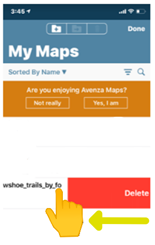 8 - Now repeat step 2 to 4 to reload the newest version
|